

Import recipes, analyse them & create shopping lists automatically
With the Food Secrets recipe generator app you import recipes from the web with 1 click, automatically calculate nutrient values (calories, macros & micronutrients) and turn everything into a smart shopping list. Ideal for weight loss, muscle building, immune system, prevention & meal prep.
Start now – cooking healthily becomes easy, fast and goal-oriented.
Recipes matched to your goals
Generate recipes from your favourite foods – optimised for weight loss, muscle building, immune system, disease prevention or seasonal & regional nutrition.
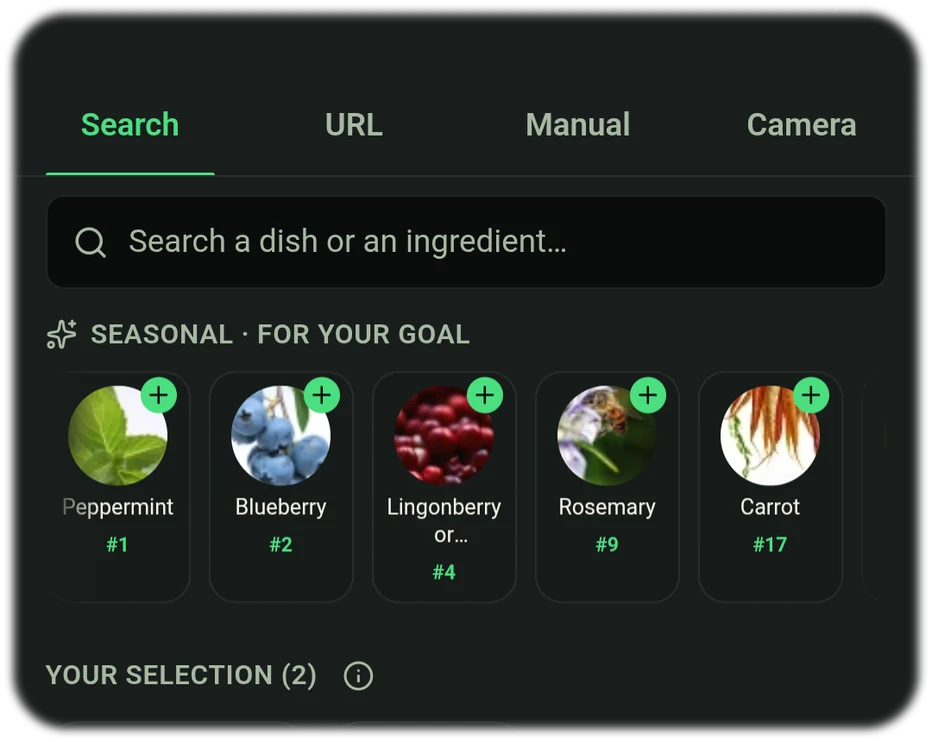
Healthy recipes
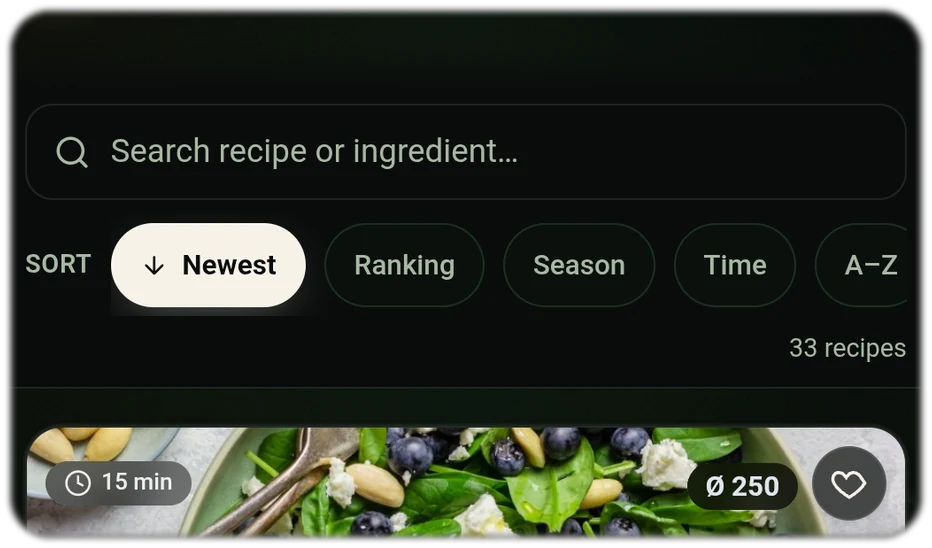
Find recipes that strengthen your immune system and keep you fit in everyday life.
Recipes for your health goals
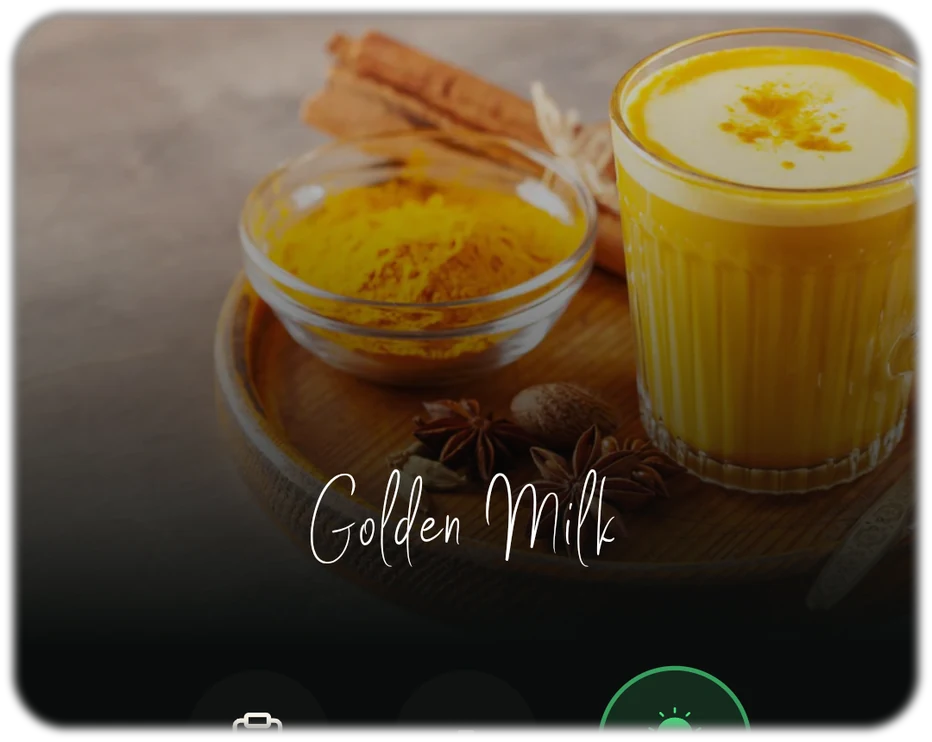
Choose foods from the rankings and create recipes for your health goals.
Recipes for your fitness
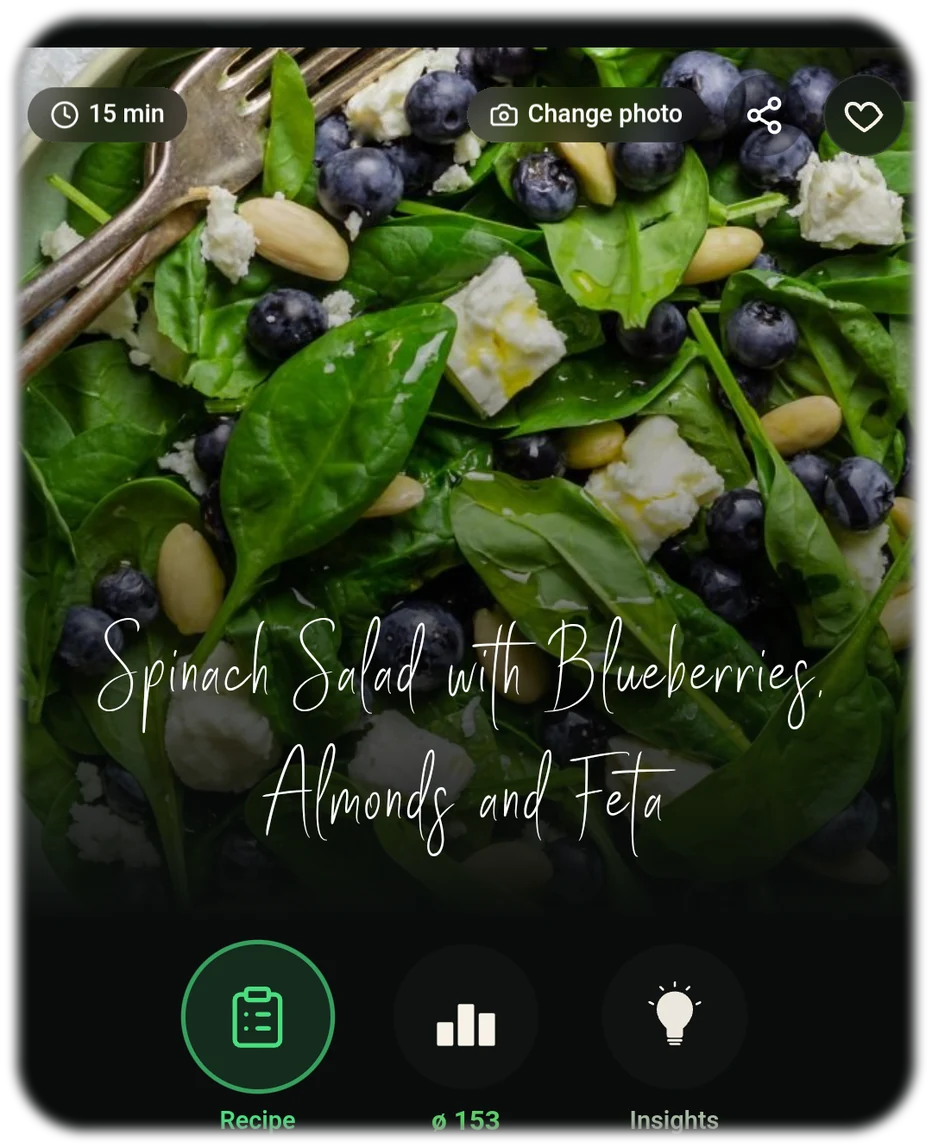
Meal-prep friendly: calories in view, macros balanced – ideal for weight loss & muscle building.
Seasonal & regional recipes
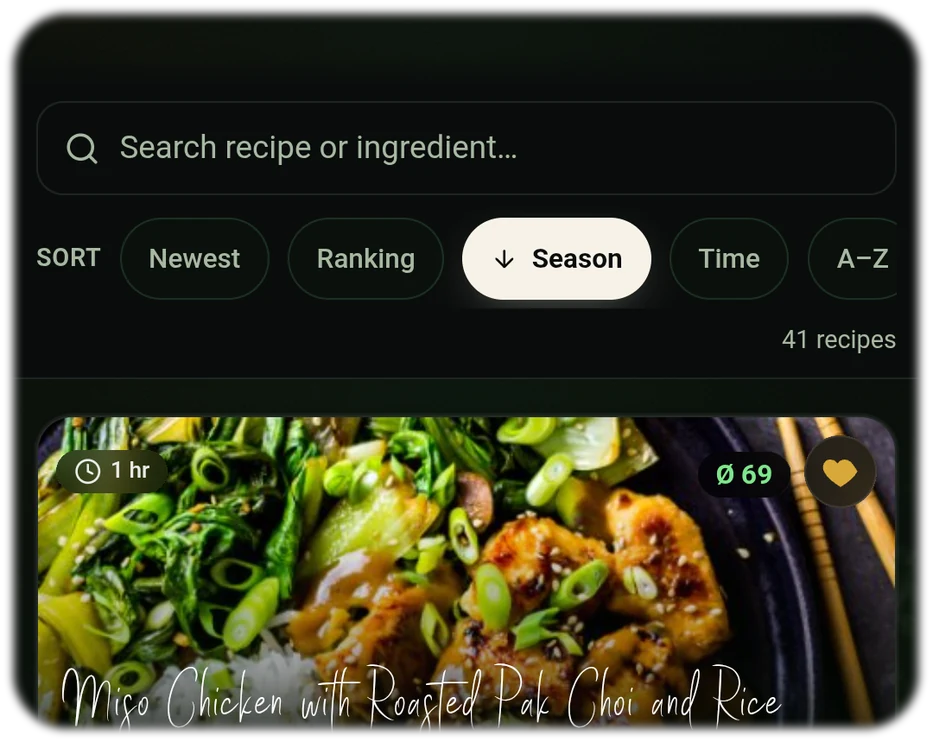
Cook sustainably with seasonal, regional & low-CO₂ ingredients.
Nutrients & shopping list automatically
On import, ingredients are recognised, nutrient values calculated and the shopping list filled with amounts.
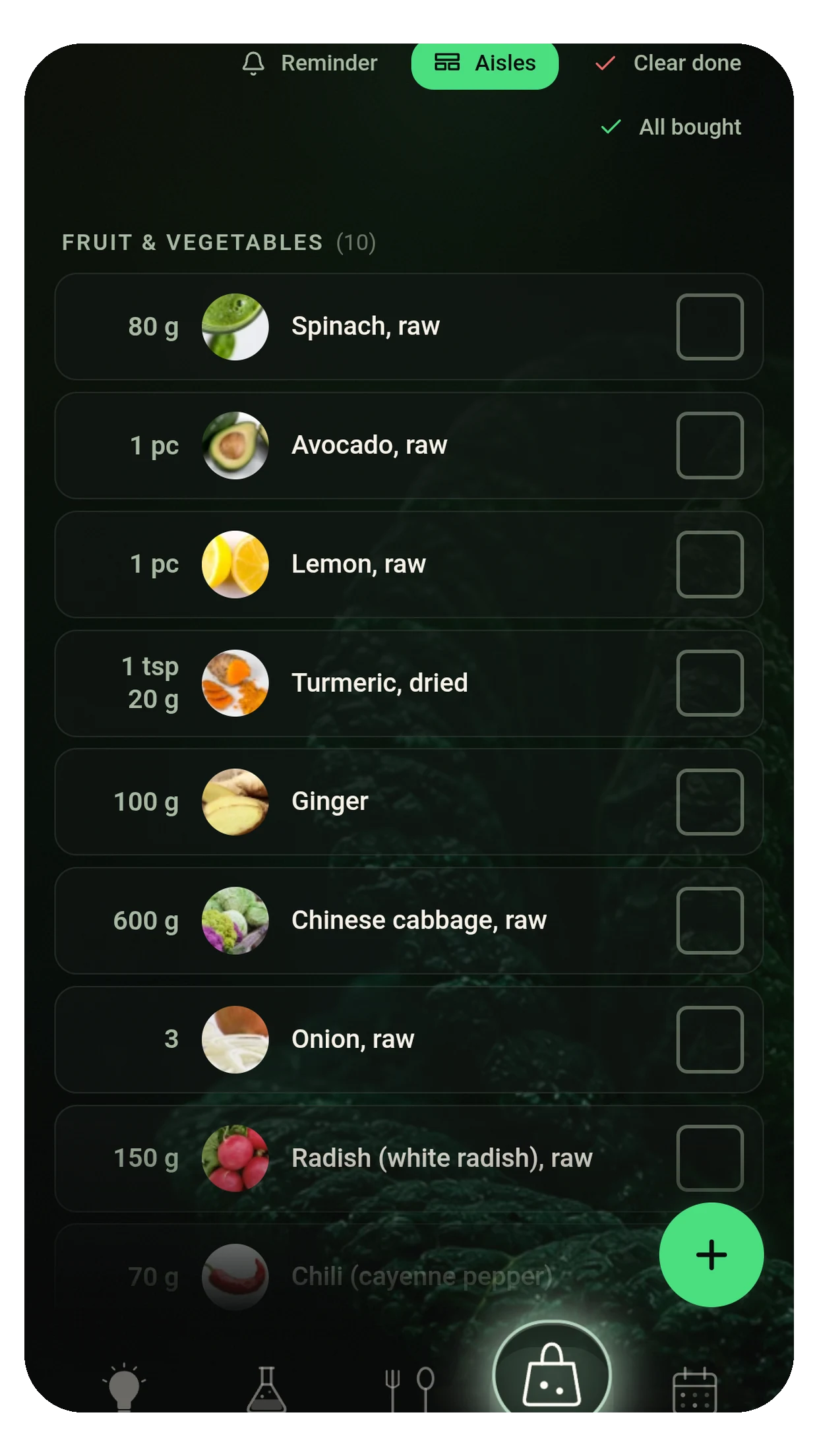
Plan meals & get reminded
Plan recipes in the calendar and get reminders for when you should start preparing. Perfect for „meal planning app“, „meal prep app“ & „plan meals app“.
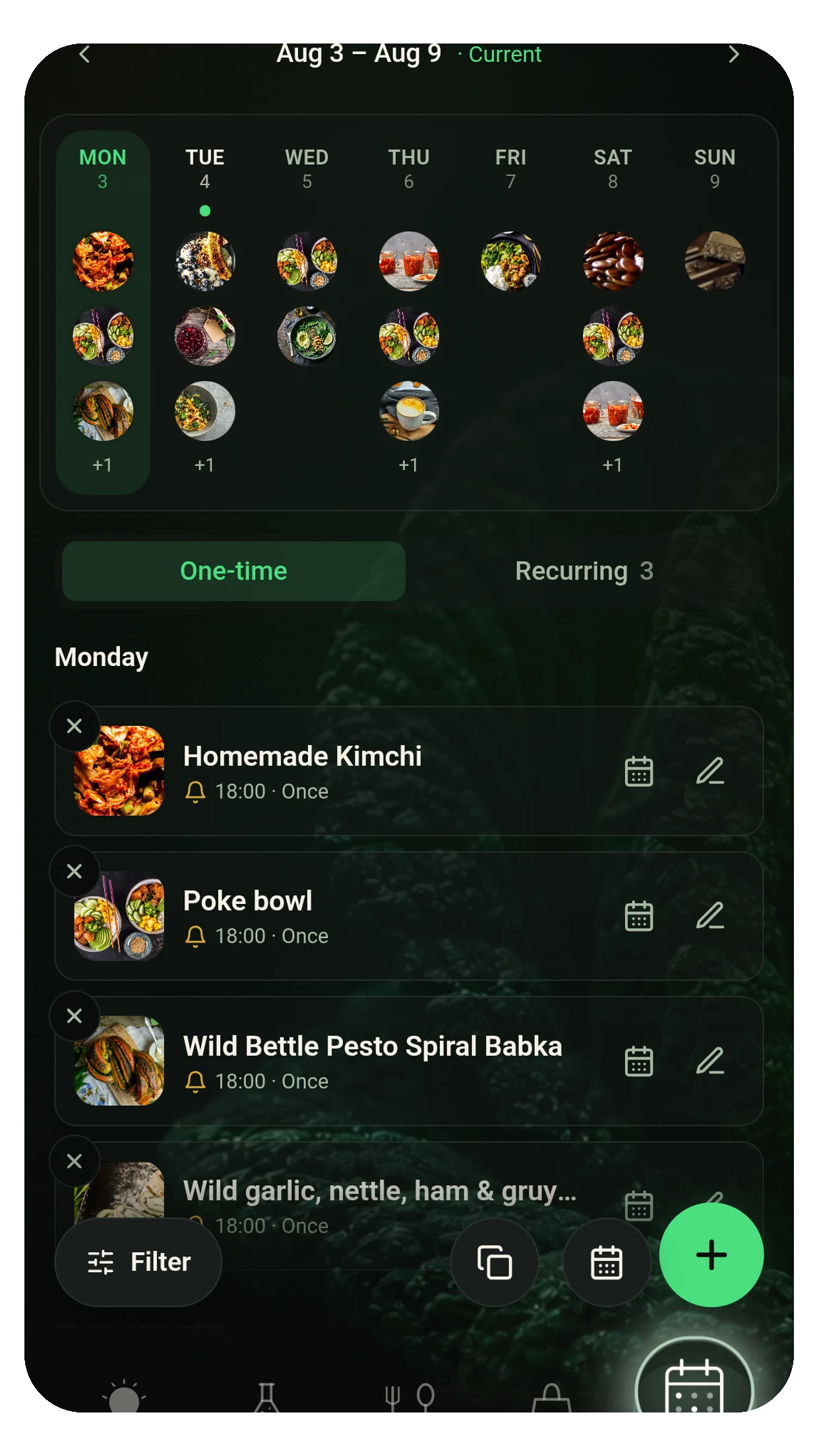
Your shopping list, written by the recipe
Set the servings and the shopping list comes straight out of the recipe. Quantities scale, the same ingredient from two recipes is added up, and what you already have at home is unticked. See the weekly plan
27 seconds: scale the servings, merge the quantities, tick them off — watch on YouTube.
How do I import a recipe?
Fastest via a 1-click deep link. Alternatively via Google search (import button) or paste a URL.
29 seconds: find a recipe, one tap, done — watch on YouTube.
1) 1-click import
Click a recipe link on the web – the app opens automatically and shows the recipe. Tap Save.
2) Import from Google search
In the app: Add recipe → Search → Google, select a recipe and tap the import button.
3) Paste a URL
Copy the recipe URL, paste it into the app under „Import recipe“ and save – done.
Recipe generator – 4 ginger shots & shopping list automatically
Got a cold? Ready for winter? See in 1 minute how you import recipes, calculate portions and create the shopping list automatically.
Watch the video on YouTube (clickable import links in the description).
Lemon-garlic-ginger elixir
Warming & spicy – import the recipe into the app with a click, calculate portions & create a shopping list.
Ginger-grapefruit shot
Fruity & fresh – import directly, calculate nutrients and tick off at the supermarket.
Orange-turmeric
With a turmeric kick – calculate portions, amounts & micros automatically.
Classic: lemon + chilli
The classic – import, calculate portions & shopping list automatically.
Ginger-turmeric shot – recipes, variants & easy import
Whether a classic ginger-turmeric shot recipe, a fruity variant with orange or lemon or a shot without a juicer – with Food Secrets you import recipes directly, automatically calculate the nutrient values and create your shopping list with one click.
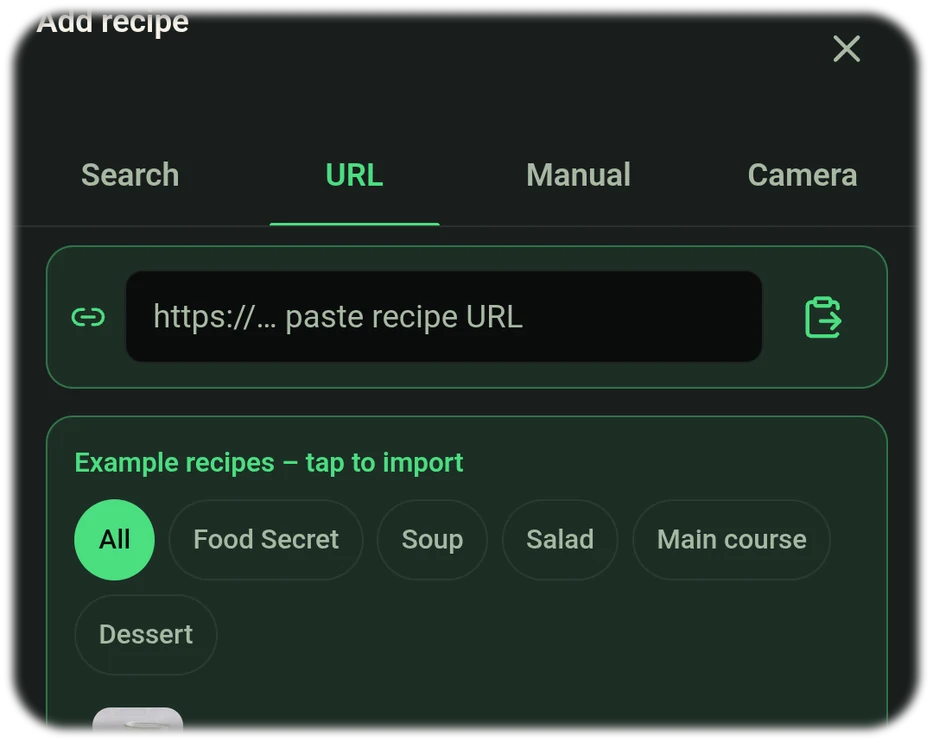
1-click import (deep link)
Simply tap a recipe link on the web – the app opens automatically, shows you the shot and you save it with one tap. Perfect if you want to get started quickly.
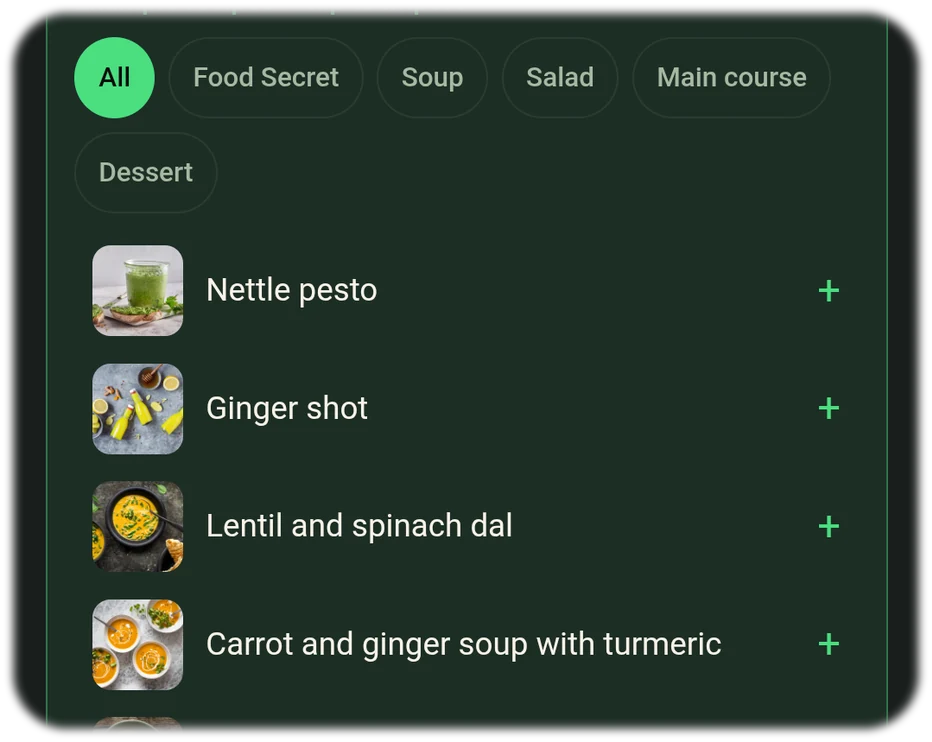
Import from Google search
In the app open Search → Google, select a recipe and tap the import button. This is how you get „ginger turmeric shot without a juicer“ or with orange/lemon straight into the app.
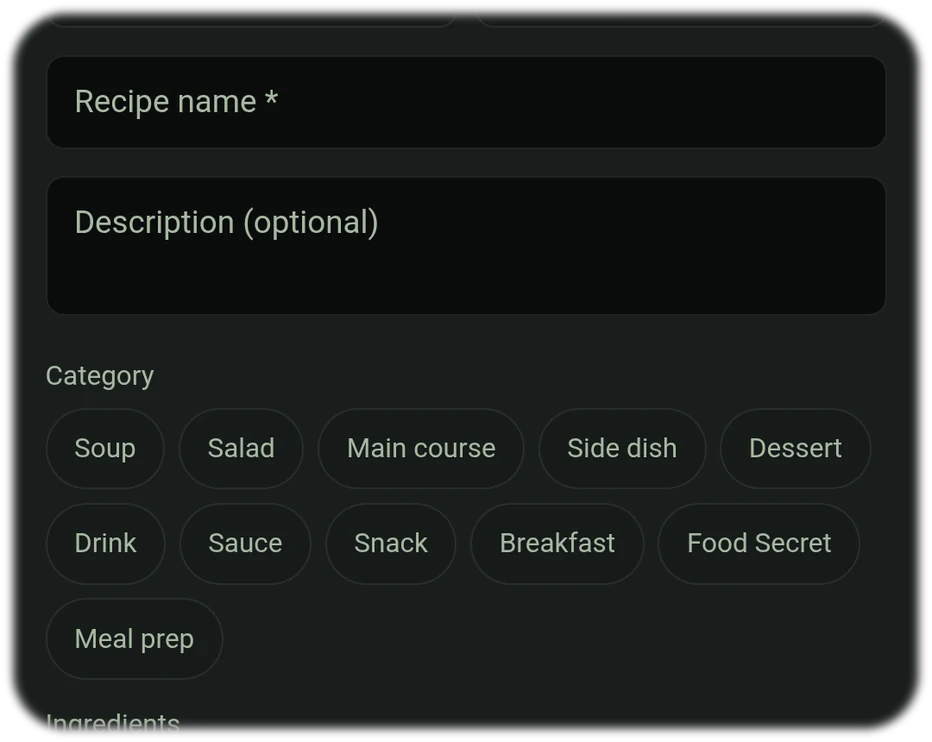
Variants & ingredients
Create shots manually too: ginger, fresh turmeric or turmeric powder, lemon or orange, water & optionally honey. Adjust amounts, calculate nutrients live & add directly to the shopping list. Or use the recipe finder by ingredients („enter ingredients get recipes app“) to get matching ideas.
Cooking mode — step by step, not scraps of paper
An imported recipe is only worth something once it reaches the plate. Cooking mode walks you through the recipe one step at a time, in large type, with that step's ingredients right beside it.
- Timers in the step — “simmer for 15 minutes” becomes a timer you start with one click. Several at once is no problem.
- Tips where they matter — hints appear at the step they belong to, not at the end of the recipe.
- The screen stays on — no wet finger on a dark display.
- Servings stay calculated — change the servings and the quantities in the step change with them.

Cooking mode starts from any recipe — imported, scanned or entered by hand.
Weekly plan & weekly progress
The hard part of eating well is not the knowledge, it is the repetition. So in food Secrets you plan your week once — then copy it instead of rebuilding it every week.
- Copy the week — a good week becomes the template for the next one. Swap individual days, keep the rest.
- Shopping list from the plan — every recipe of the week, quantities added up, sorted by store aisle.
- Weekly progress — you see how well the planned week fits your goals before you shop.
- Recurring entries — whatever stays the same each week is planned once. A secret can sit in the plan too, with a reminder — that is how a tip becomes a habit.

Only have a few ingredients at home? With the recipe finder by ingredients you enter them and instantly get matching recipe ideas – including automatic nutrient calculation & shopping list.
FAQ – recipe import app & recipe generator
Which app: enter ingredients & get recipes?
Food Secrets – the recipe generator finds recipes by ingredients, imports 1-click links and automatically calculates nutrient values & the shopping list.
Why does Food Secrets help with healthy cooking?
The app connects Food Rankings (e.g. anti-inflammation, weight loss, muscle building) with recipes. This way you replace ingredients with higher-ranked alternatives and stay in your goal corridor.
Are there reminders & planning?
Yes. Add recipes to the calendar, activate notifications and implement meal prep stress-free.
How do I import a recipe?
Fastest via a 1-click deep link. Alternatively: Google import or paste a URL.
Does the app create shopping lists automatically?
Yes. Ingredients are recognised, amounts calculated and added to a smart shopping list.
Can I adjust recipes or replace ingredients?
Yes. You can change amounts, replace ingredients and choose alternatives – nutrient values update live.
Can I find recipes by ingredients?
Yes. In the app open Search → Ingredients and choose what you have at home – the recipe finder by ingredients shows matching suggestions (incl. nutrient values & shopping list).
Is there an app where you enter ingredients and get recipes?
That's exactly what Food Secrets is made for: enter ingredients, get recipes, automatically calculate nutrient values and turn everything into a shopping list with one tap – for free.
Can I enter ingredients and get matching recipes?
Yes. With the Food Secrets recipe finder you enter individual ingredients – the app instantly shows you matching recipes. Ideal if, for example, you only have broccoli and rice at home and want to make a healthy dish from them.
How does the recipe finder by ingredients work?
You enter 1 or more ingredients and instantly get a selection of matching recipe ideas. This way you avoid food waste and can cook creatively with the foods you have.
Start now for free
Import your first recipe, calculate the nutrients & automatically create your shopping list.